- If you wish to identify which Onyx version is supported on your dongle?
- If you wish to know, which printer and cutting plotters are supported?
- Or if you wish to know, until when the license on the dongle is valid?
Then please browse to the following URL:
http://owa.onyxgfx.com/webkey/Default.aspx
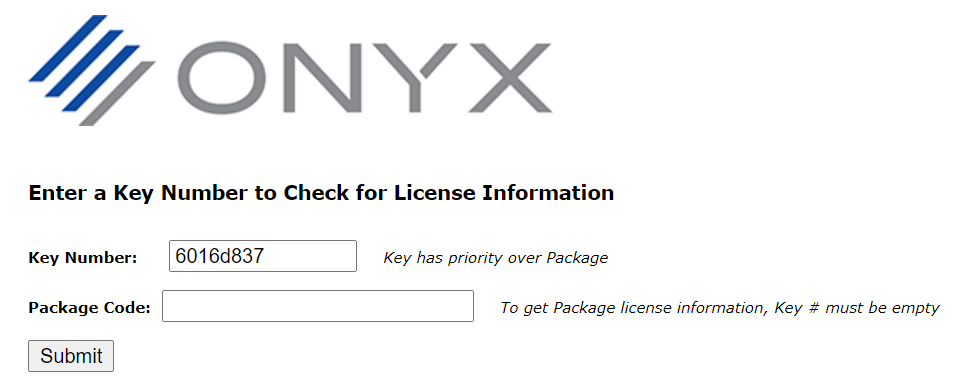
Enter the code of your dongle. As an example we demonstrate with 6016d837:
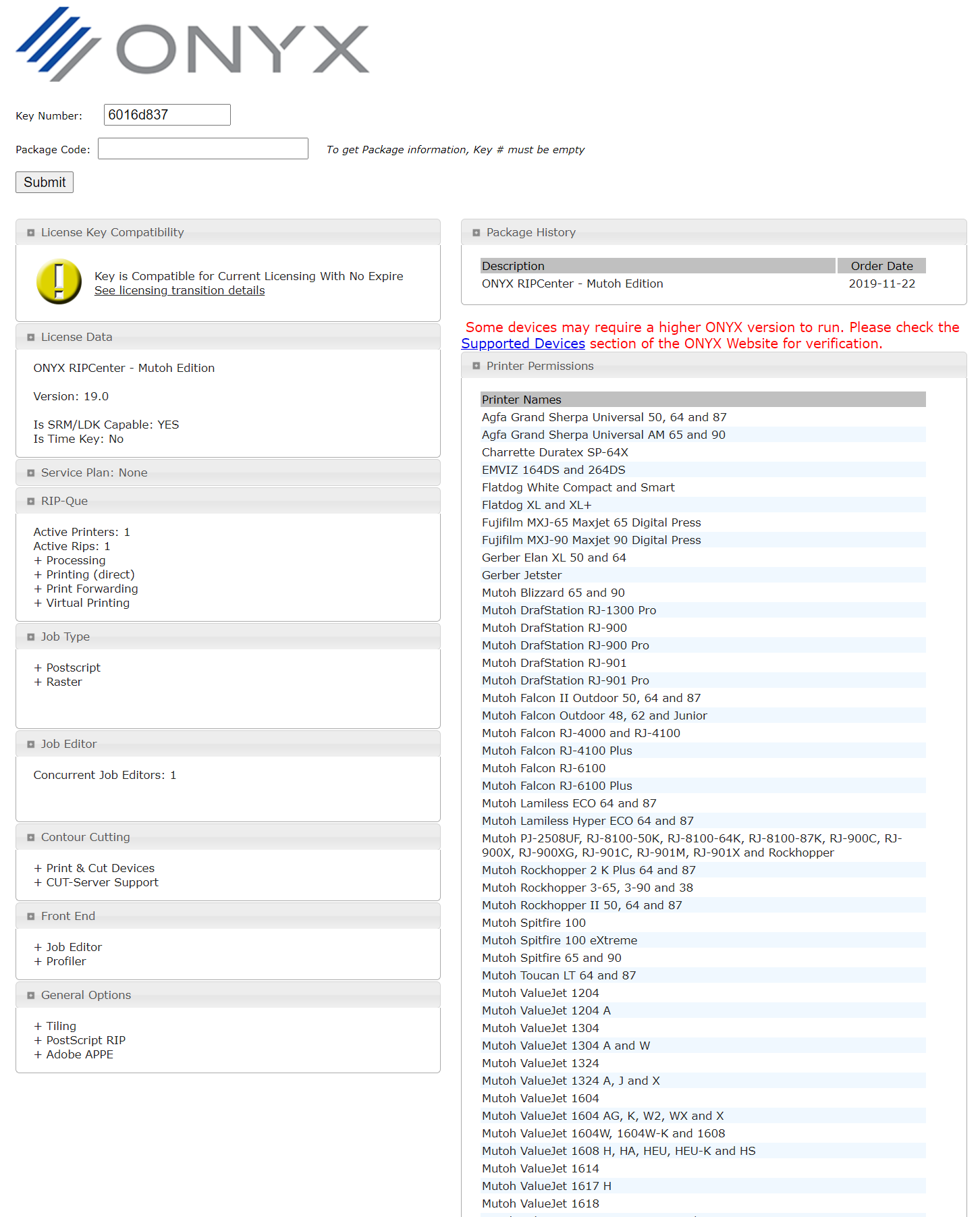
You will get a complete overview of the contents of your license key. If the license has an expiry date (for example for demo purposes) you will also be able to determine until when this license key is valid:
Was this article helpful?
That’s Great!
Thank you for your feedback
Sorry! We couldn't be helpful
Thank you for your feedback
Feedback sent
We appreciate your effort and will try to fix the article