Depending on the kind of ink used in the printer, it is recommended to pre-rinse the spare print head and the dampers.
It is very important to pre-rinse the head and the dampers with the appropriate cleaning, prior to loading the inks.
Not pre-rinsing the head and dampers could result in missing or misfiring nozzles.
Parts required to flush the new head and dampers
- Valve Head Assy (damper) (*)
DH-40834 Damper with white connectors & o-rings 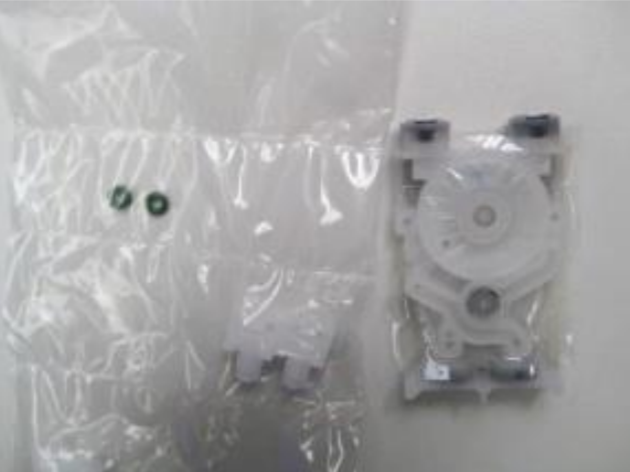
DH-40732 Damper with black connectors without o-rings 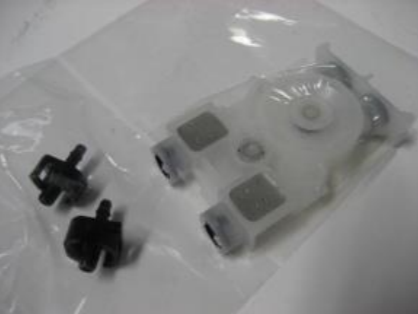
- Print Head Assy (*)
- Damper cleaner kits for ValueJet / XpertJet (*)
DG-41787 Valve head cleaner kit for VJ (needle adapter) 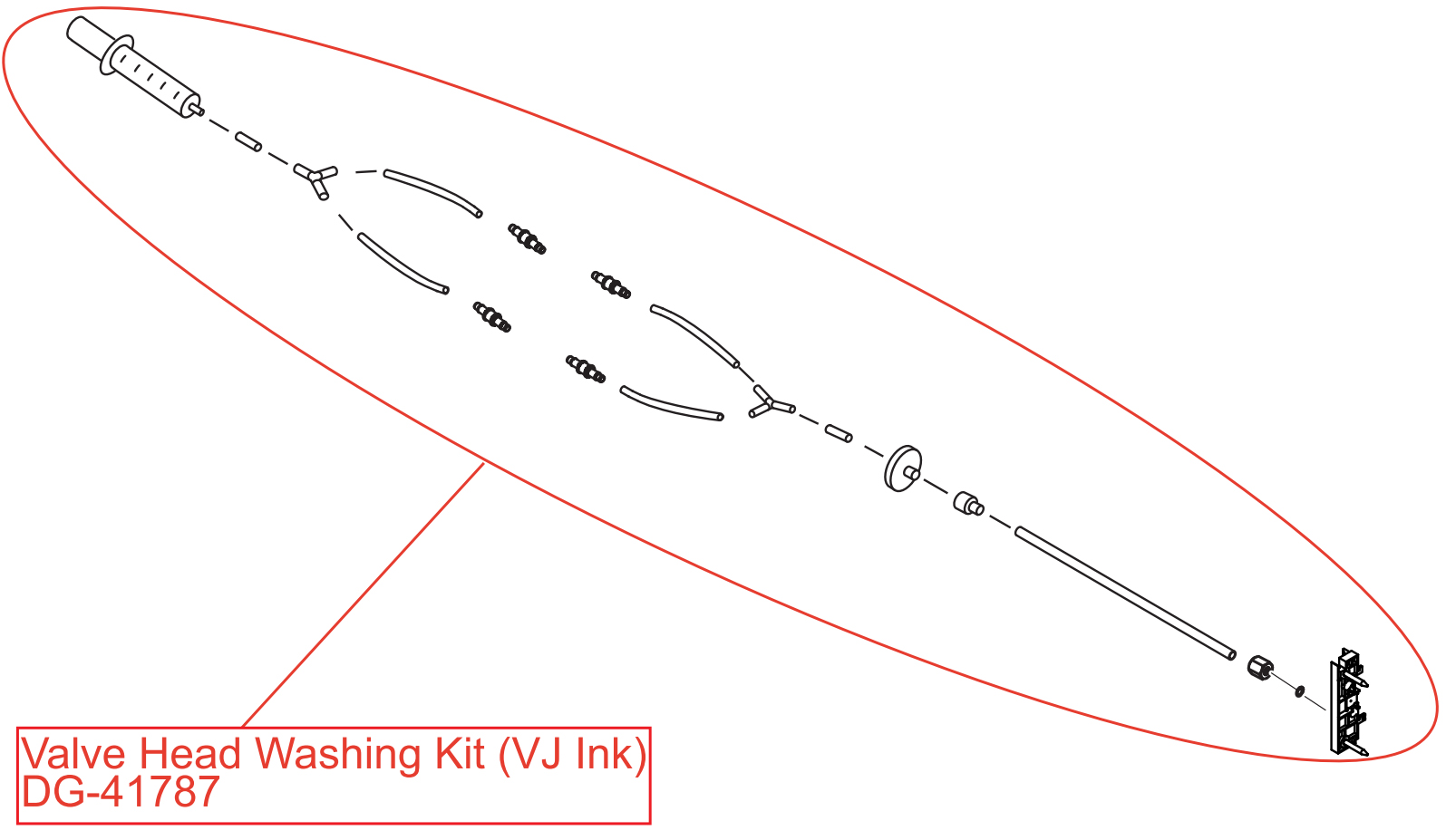
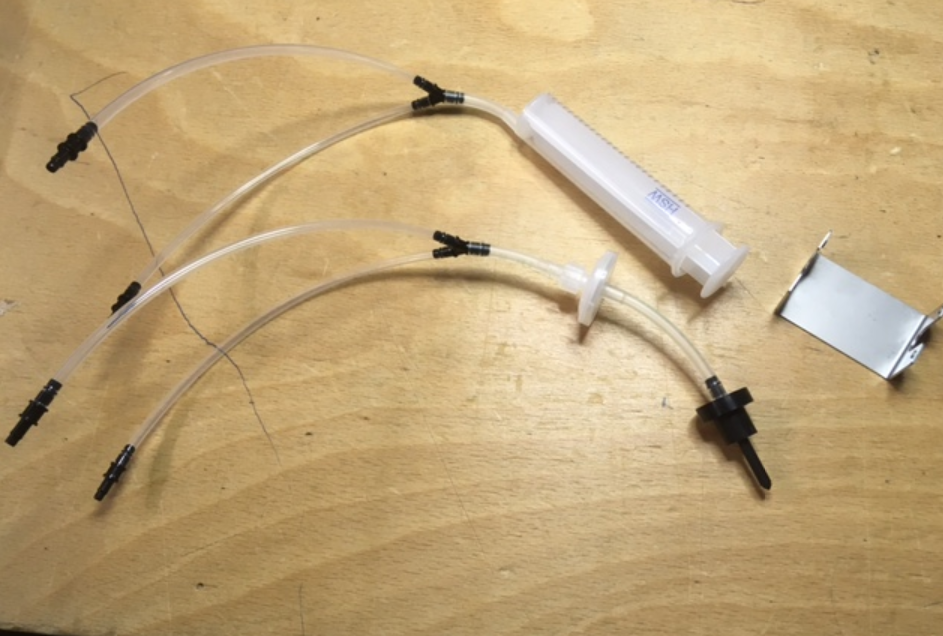
DG-49300 Valve head cleaner kit for XPJ-1682 and XPJ-1641 (bags only adapter)
REMARKS (*)
|
!! IMPORTANT !!
|
Preparations to replace the print head and dampers
Step 1 - Removing the old head
Note Before replacing the head, make sure to remove the printer’s main power plug. To make sure the printer electronics are fully discharged please push the power button ON and OFF once more. |
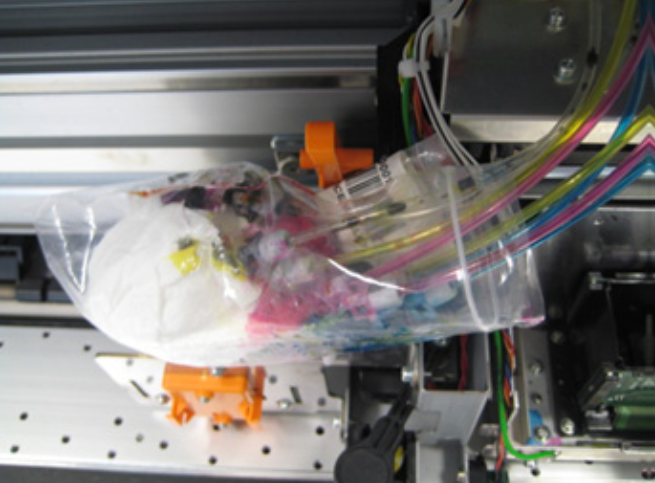
- Disconnect the tube above the dampers, store the ink tubes in a plastic bag with some absorbent paper to avoid ink leakage and remove the old head.
Step 2 - Clean the damper
- When replacing a print head we also recommend to replace the dampers of the head. It is necessary to pre-rinse the dampers:
- when using solvent inks
- when using sparepart dampers on UV machines (pre-installed dampers in a UV head do not need to be pre-rinsed)
- It is not necessary to clean the dampers for waterbased machines.
- It is very important to pre-rinse the damper before loading cleaning into the damper to flush the head (this is to be sure that there is no mix between liquids).
- The procedure to pre-rinse the damper can be found in the maintenance manual of the machine under the section "part replacement, carriage section, replacing valve head". For this procedure you will need to use the valve head cleaner kit which can be found in our tooling list.
- After you have pre-rinsed the damper you will need to fill the damper again with cleaning liquid. This cleaning liquid in the damper will now be used to pre-rinse the new print head.
Step 3 - Install the new head and dampers
- Install the dampers, filled with cleaning, in the new print head and install the head cover.
Remark Please verify inside the old head or check in the maintenance manual for the correct damper position. |
- Install the new head in the machine. The head replacement procedure can be found in the maintenance manual of the printer under the section "part replacement, replacing carriage section, replacing head assy".
Important Remember to peel off the head rank label and place it onto the front of the damper cover. Another option is to take a picture of the head rank label, before mounting the head into the printer. |
- Re-connect all the ink lines in a correct way. Info on this can be found in the maintenance manual under head replacement.
- Start up the unit in Diagnostic mode, go to the "ink charge menu" and select "little charge".
- After the ink charge, go to the menu "head replacement" and fill in the head rank number.
- Perform a nozzle check and if necessary perform a cleaning.
- The head can now be calibrated. Head adjustment procedures can be found in the maintenance manual.
Remark For double heads adjustments please refer to the following article in the knowledge base: TIB719 - ValueJet & XperJet Double Head Series - Simplified mechanical adjustment procedure |
Was this article helpful?
That’s Great!
Thank you for your feedback
Sorry! We couldn't be helpful
Thank you for your feedback
Feedback sent
We appreciate your effort and will try to fix the article