It may be possible that on some vacuum table units a bracket is not properly mounted. This bracket is attached on the chain of the optional vacuüm table cable: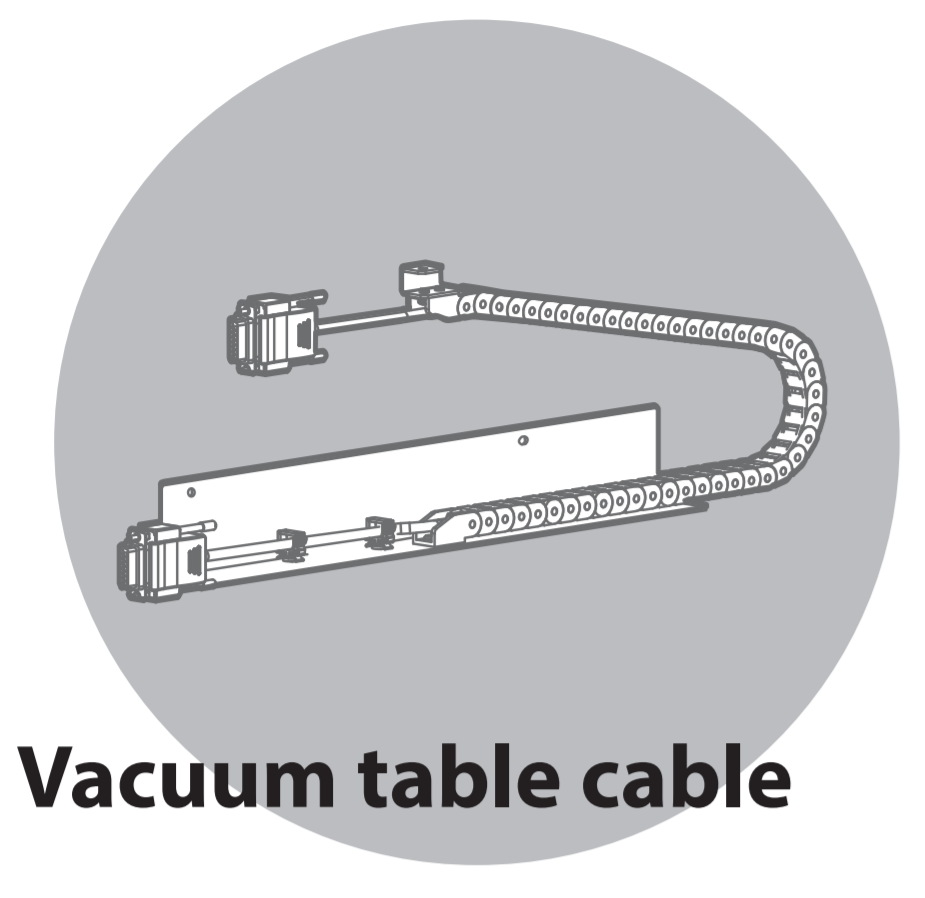
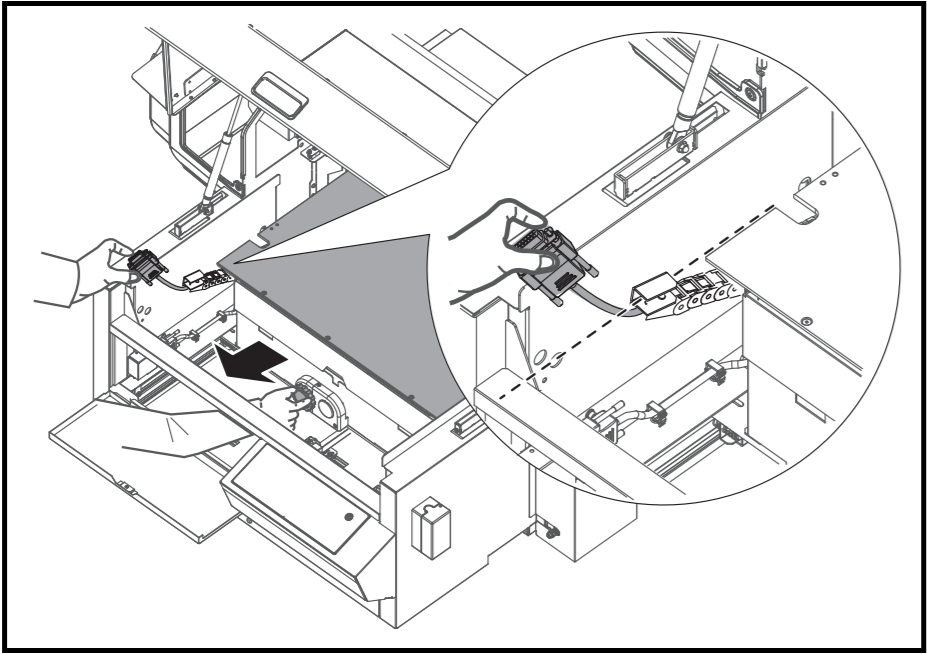 | 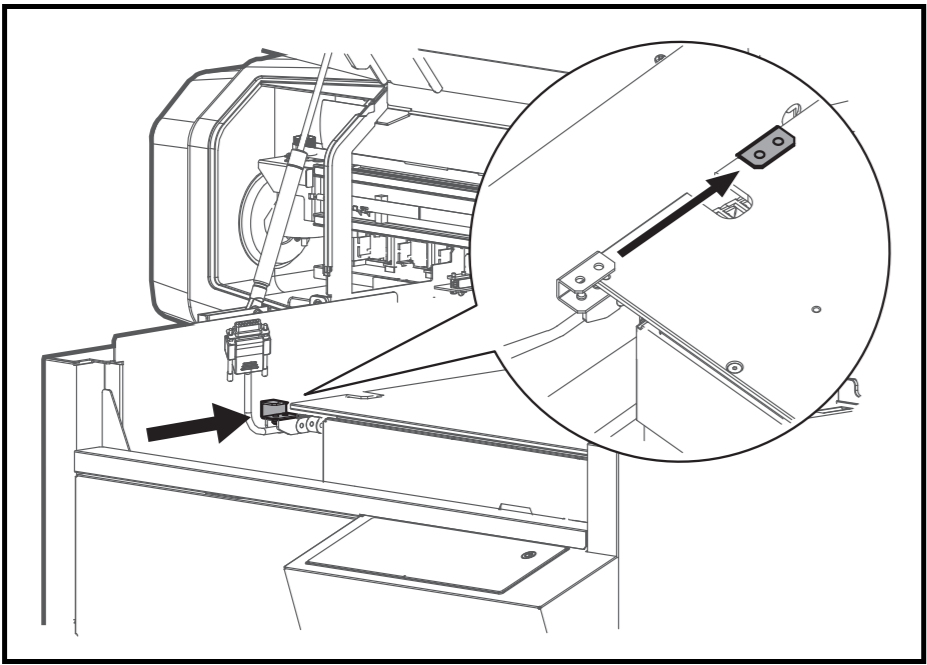 |
Due to the wrong direction of the bracket, it might possibly obstruct the up / down movement of the printing table.
Not good: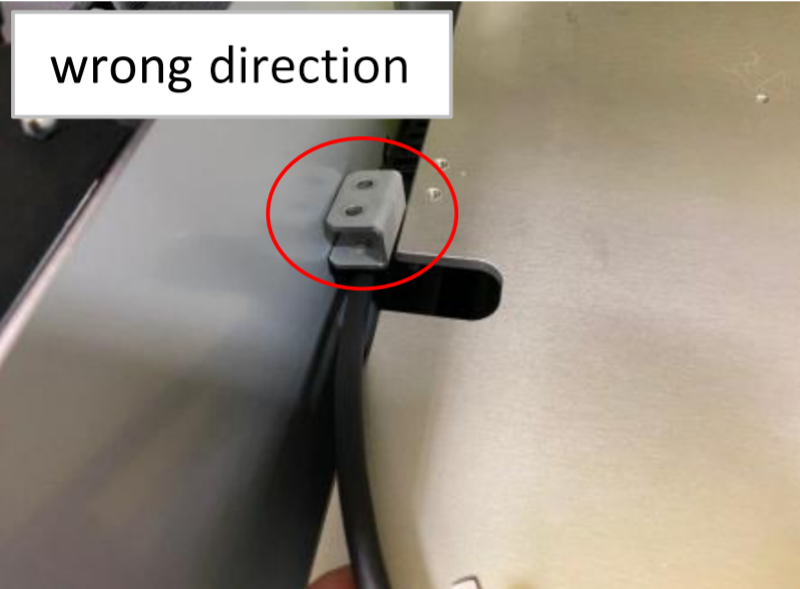 | Good: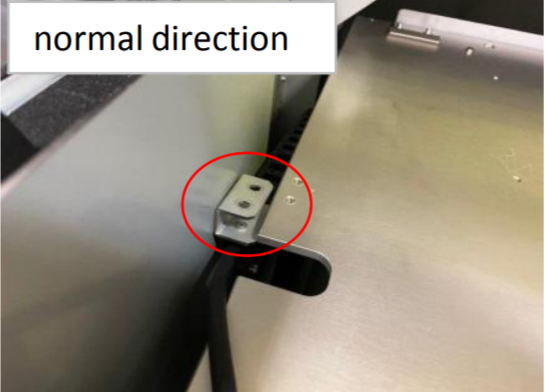 |
The issue may occur between serial number JO3U000001 until JO3U000049
If the part is mounted in the wrong direction, please follow this procedure to correct the issue.
Step 1 - Remove the 2 screws that secures the bracket on the bottom side
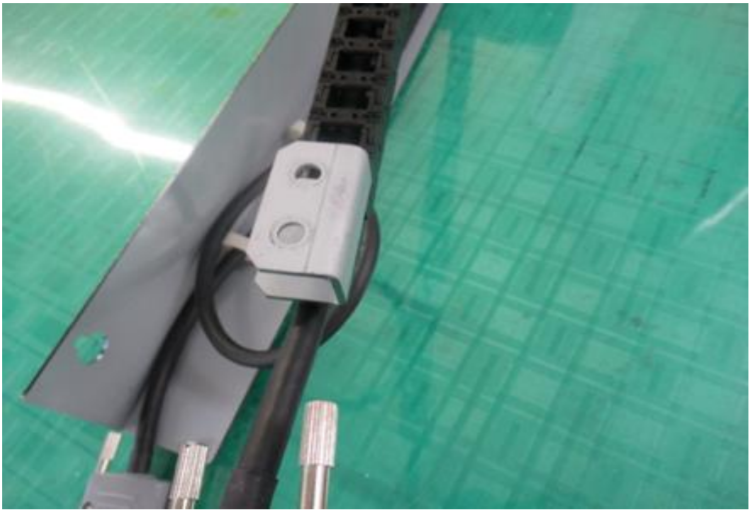 | 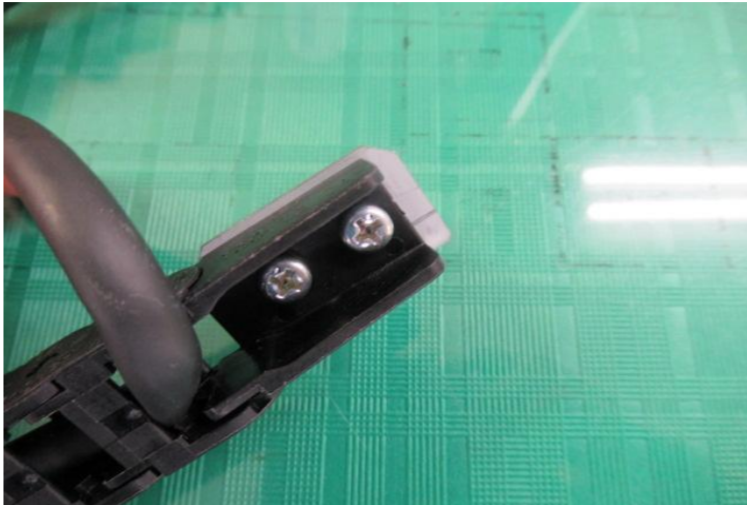 |
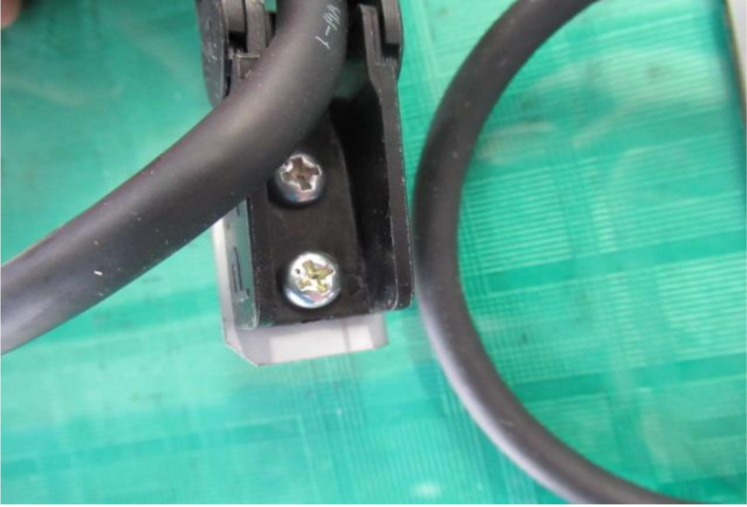
Step 2 - Correct the orientation of the bracket, fix the screws back
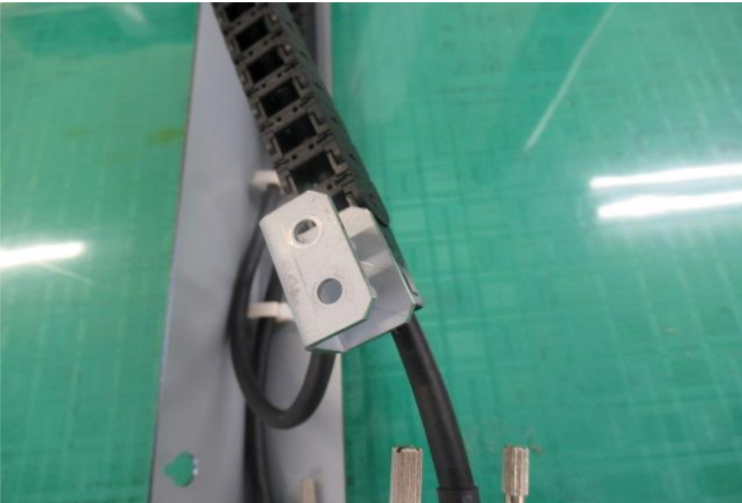 |  |
Was this article helpful?
That’s Great!
Thank you for your feedback
Sorry! We couldn't be helpful
Thank you for your feedback
Feedback sent
We appreciate your effort and will try to fix the article