Each Mutoh printer contains many internal parameters, settings and counters. All this data, which holds valuable information, can be retrieved from the printer via dedicated log-files (PRM, HST, MPI, MNT…).
In order to download these logs a technical intervention was required since these files cannot be downloaded via the regular user menus, but the use of the MSA tool is required.
As of MSM version 8.01 (or higher, downloadable from the Mutoh Club website) it becomes possible to download all of this info without the need of having an engineer on-site. By means of a few simple clicks a RDI file will be downloadable from the printer, containing all relevant info for the Mutoh engineers.
| IMPORTANT NOTE: When retrieving the RDI file, please do not rename the file. |
How to obtain this RDI file?
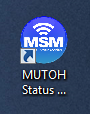
- Start the MSM application
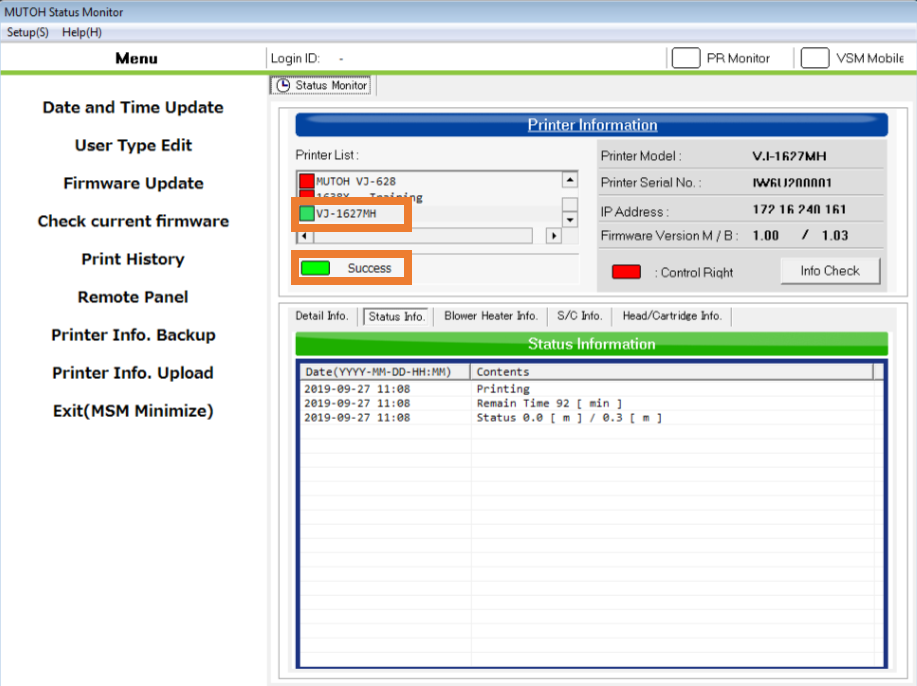
- Connect the MSM to the machine. Confirm the “model” and “Success”
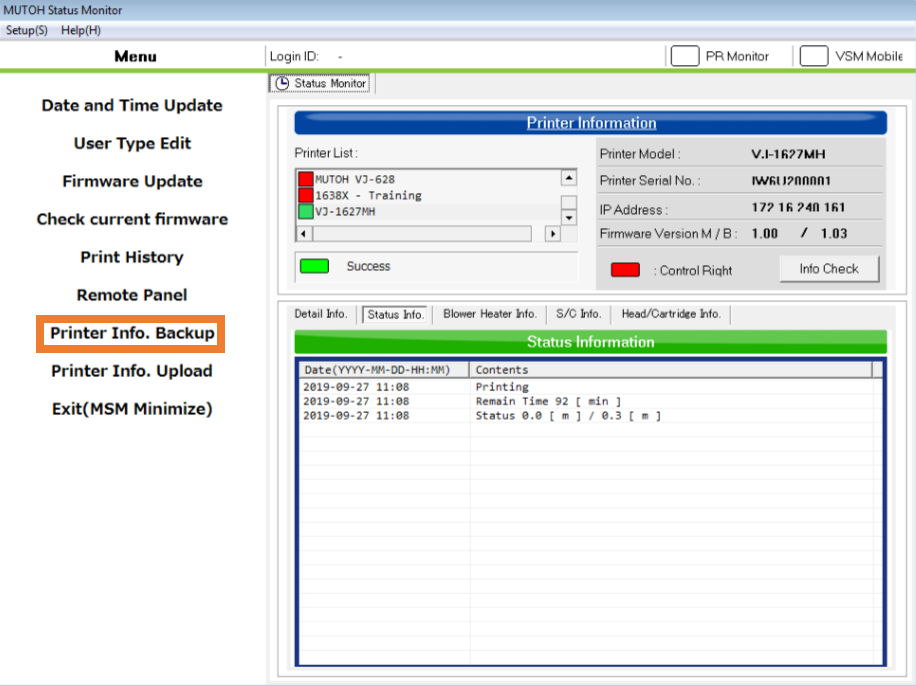
Click the Printer Info Backup.
Click Save and store the file on your computer. As mentioned earlier: do not rename the file!

Article changes
Revision 1.0 : 18 January 2018 - Initial release
Revision 2.0 : 26 September 2019 - VSM changed to MSM
Was this article helpful?
That’s Great!
Thank you for your feedback
Sorry! We couldn't be helpful
Thank you for your feedback
Feedback sent
We appreciate your effort and will try to fix the article