Mutoh has introduced a new type of ink pump for the XPJ-16xx series as following serial numbers:
- XPJ-1641SR: JF6U002001 or higher
- XPJ-1682SR: JE6U001001 or higher
- XPJ-1682WR: JN6U001001 or higher
As a consequence, additional pump settings have been added in the latest firmware on XPJ-1641SR, XPJ-1682SR and XPJ-1682WR. The old pump type will remain available since it's also used on other models.
This bulletin describes how to select the correct settings, depending of which kind of ink pump is used and when it has been replaced.
The following settings have been added in the Diagnostics / Counter menu, in the following firmware versions (or higher):
- v2.00: Pump Type ("Type A / "Type B")
- v2.01: "Pump count" has been added in the Diagnostics / Counter menu
Maintenance parts
Suction Pump
When replacing the ink pump, make sure to use the correct type depending of the serial number mentioned above.
| Part Number | DG-43402 - DC Pump Assy | DH-40598 - DC Pump E Assy |
| Parameter setting | Pump Type: "Type A" | Pump Type: "Type B" |
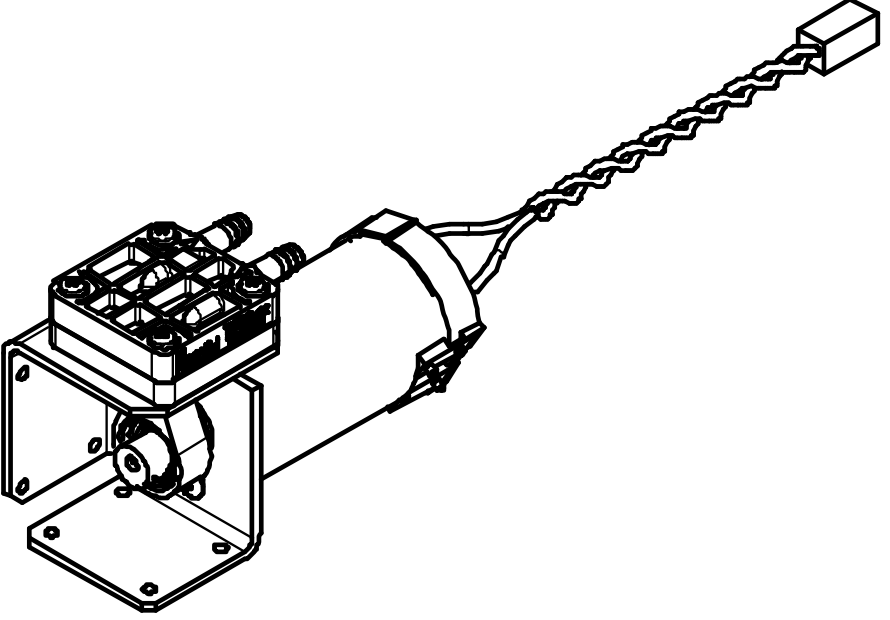 | 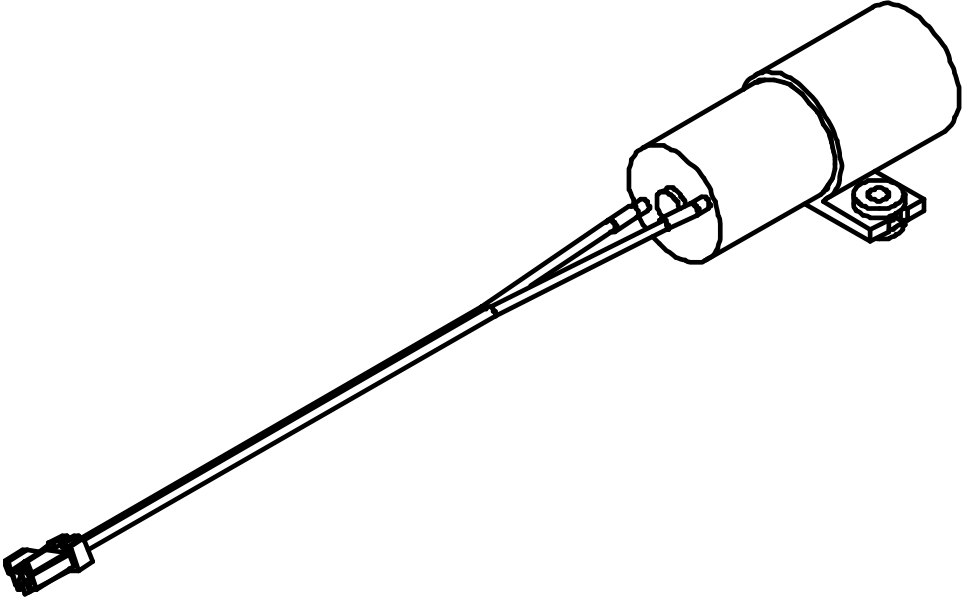 |
| NOTE XPJ-1682SR has 2 pumps. Both should be the same type. It is not allowed to mix 1 old with 1 new pump type. |
Replacement procedure
Case 1: When you replace DG-43402 with the exact same model
- Replace the pump
- Make sure firmware version 2.01 or newer is installed
- Make sure the pump count is set on "Type A"
- Initialize the lifetime counter (Diagnostics -> Check7: Parameter -> Param 2: Init.Counter -> Init 4: Pump1)
| DG-43402 | DG-43402 | |
| Type A | Type A | |
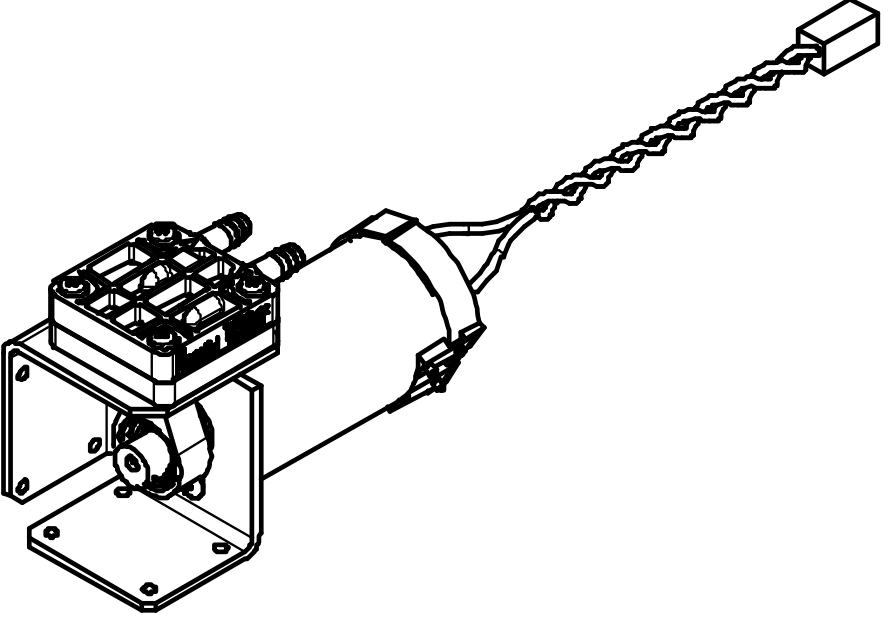 |  | 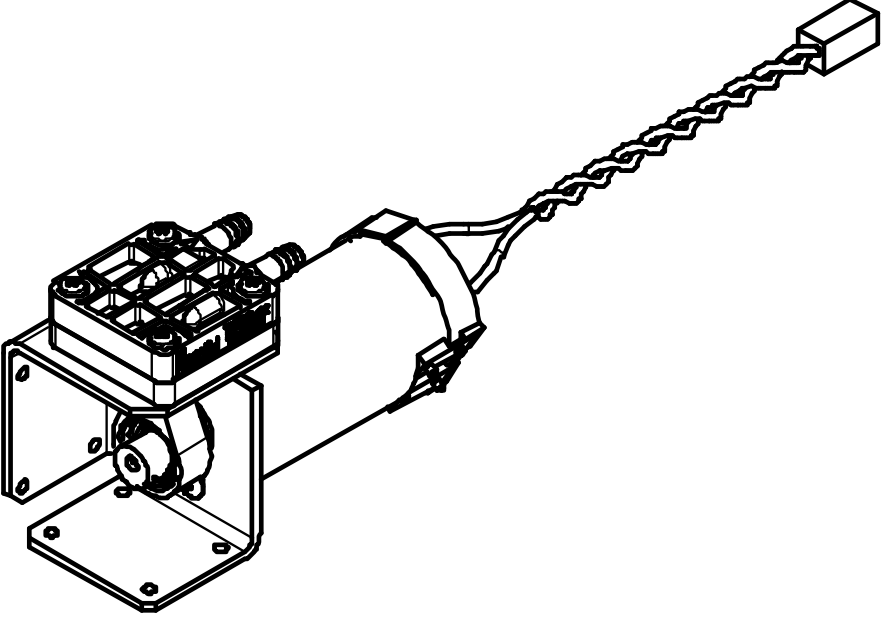 |
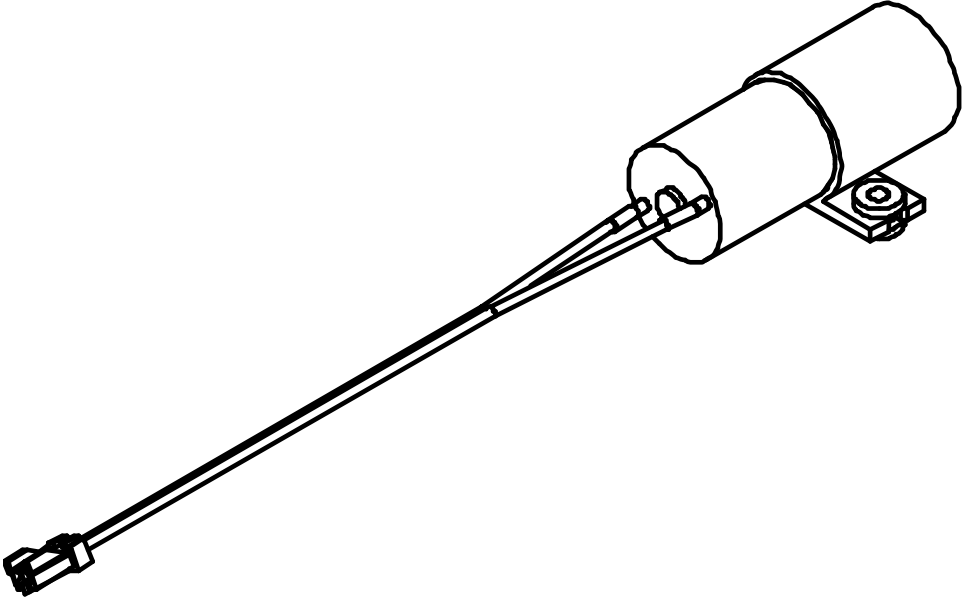
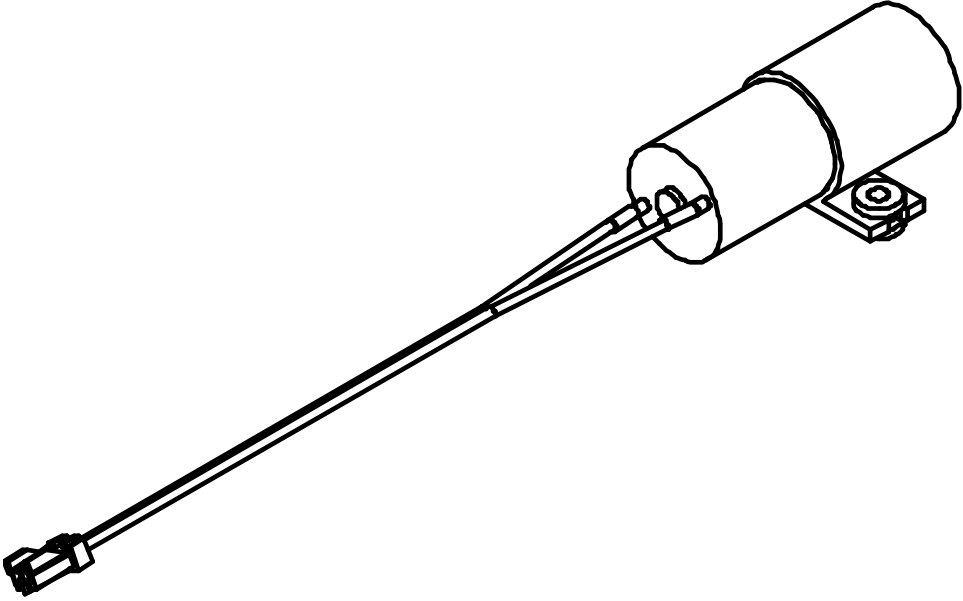
Case 2: When you replace DH-40598 with the exact same model
- Replace the pump
- Make sure firmware version 2.01 or newer is installed
- Make sure the pump count is set on "Type B"
- Initialize the lifetime counter (Diagnostics -> Check7: Parameter -> Param 2: Init.Counter -> Init 4: Pump1)
| DH-40598 | DH-40598 | |
| Type B | Type B | |
 |  |  |
Case 3: When you modify DG-43402 to DH-40598
- Replace the pump with one of the following pump replacement kits
XPJ-1641xx XPJ-1682xx DH-40616 - Suction Pump Replacement Kit (XPJ-xx41) DH-40615 - Suction Pump Replacement Kit (XPJ-xx82) 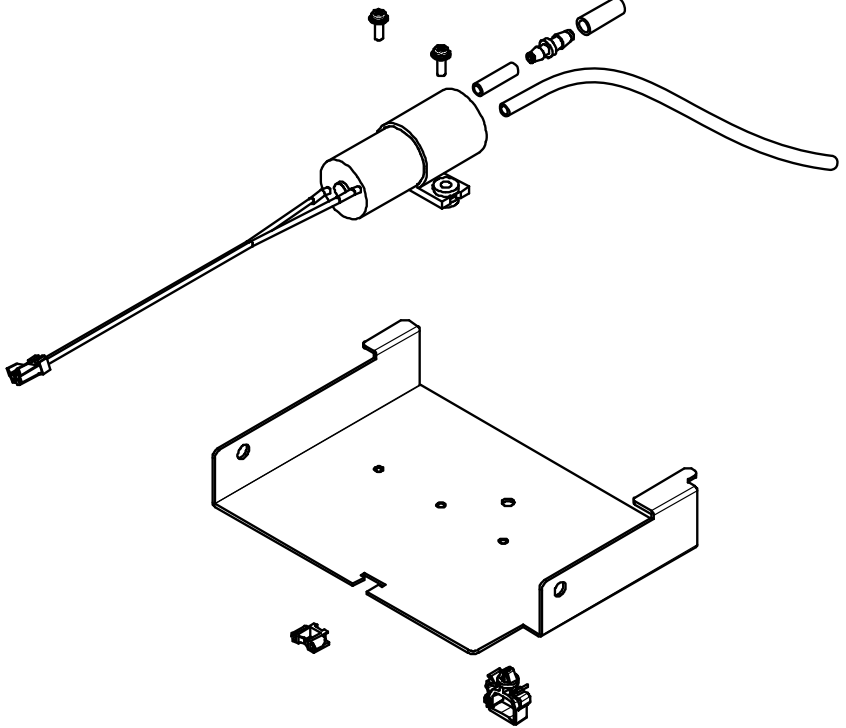
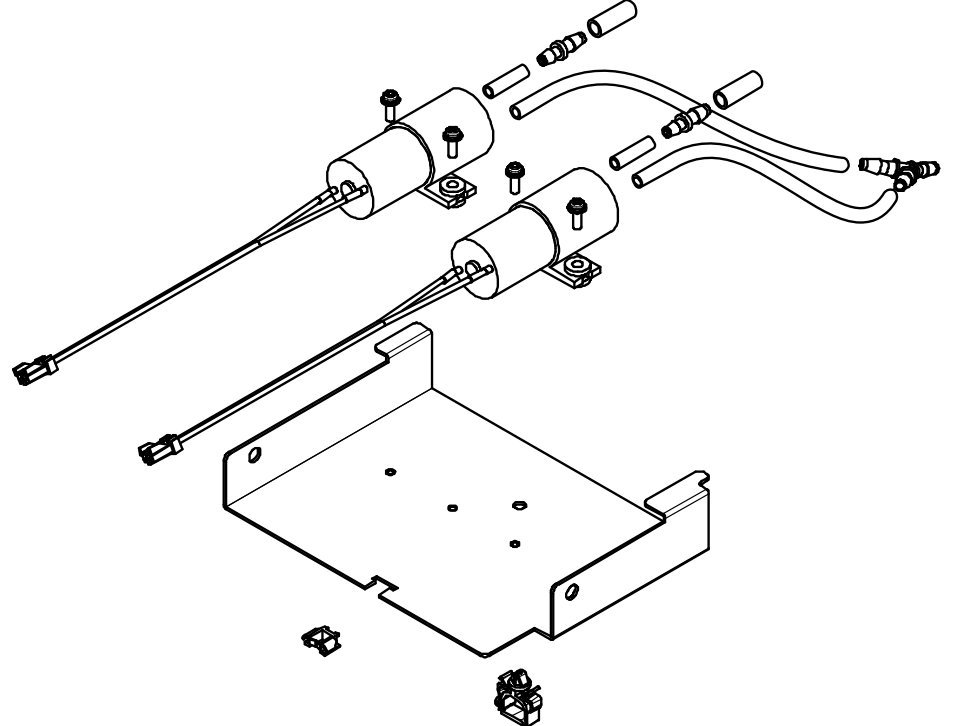
NOTE - Once the printer is equipped with this kit (bracket) you can simply replace the pump instead.
- Make sure the firmware version is 2.01 or higher
- Change the pump type from "Type A" to "Type B"
- Change the pump count from "Type A" to "Type B"
- Initialize the lifetime counter (Diagnostics -> Check7: Parameter -> Param 2: Init.Counter -> Init 4: Pump1)
| DG-43402 | DH-40598 | |
| Type A | Type B | |
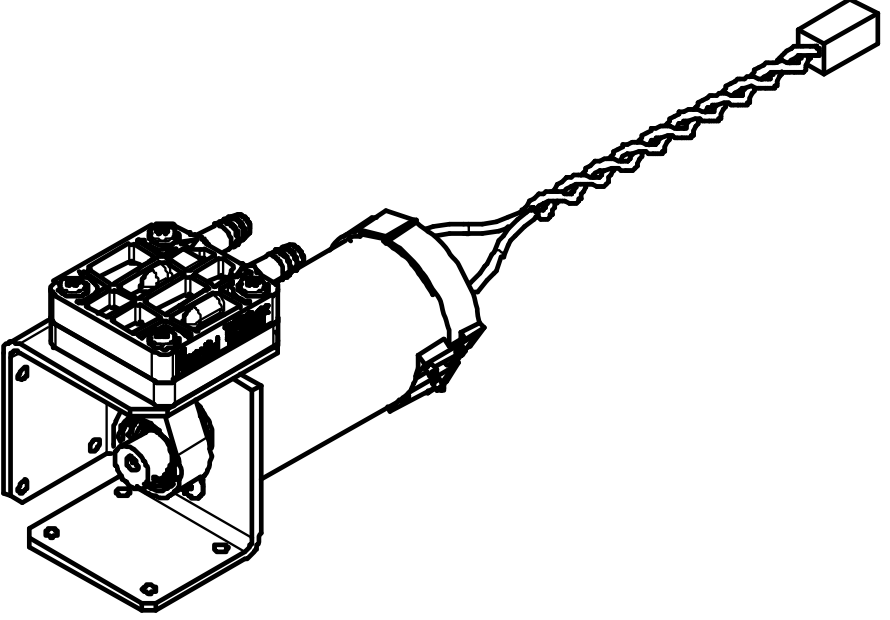 |  | 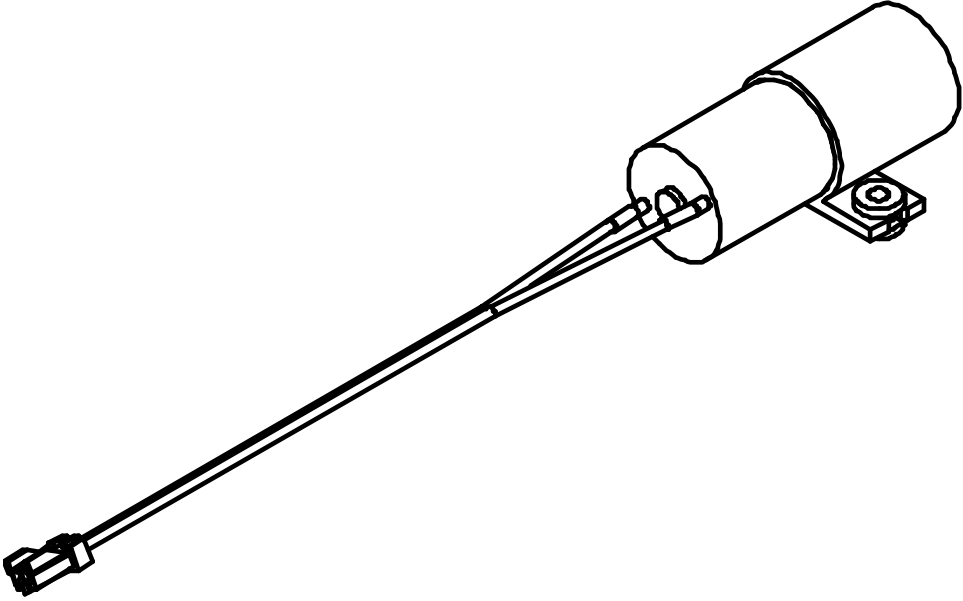 |
Life time of each pump type
The life time counter of each pump gives a different representation. But the average real life time of both pumps are similar.
How to proceed when pump is replaced
Replacement procedure
Please check the maintenance manual documentation (or errata) of
- XPJ-1641SR
- XPJ-1682SR
- XPJ-1682WR
Was this article helpful?
That’s Great!
Thank you for your feedback
Sorry! We couldn't be helpful
Thank you for your feedback
Feedback sent
We appreciate your effort and will try to fix the article